Want to be trendy? Dark mode is a real innovation that is all the rage on the internet. And for good reason, this function has many advantages. Here’s how to use LinkedIn™ dark mode .
Do you spend time in front of screens and are afraid of the damage it can cause to your eyes? Your phone’s battery is draining at a crazy speed and it’s making you anxious? Activate LinkedIn™ dark mode ! Thanks to this feature, navigate in complete peace of mind. How to activate dark mode on LinkedIn ™ according to your user support? Discover our tips in this article!
Why enable LinkedIn™ dark mode?
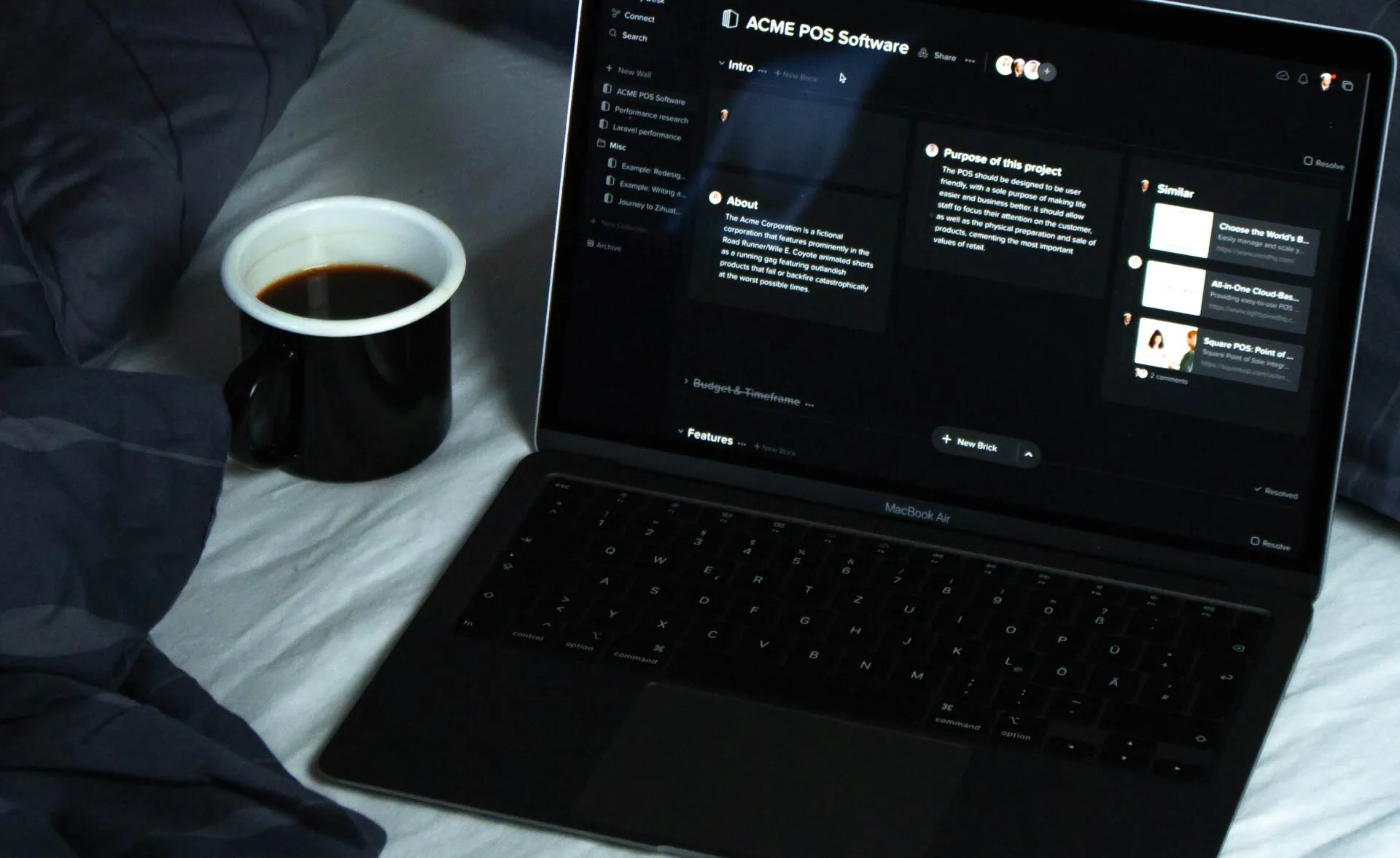
Dark mode, in French dark mode, is a feature present on many applications and social platforms. This is the case, for example, of Facebook ™, Google™, Twitter™ and LinkedIn™. Much appreciated by users, dark mode offers a more advantageous display experience than light mode:

- It allows you to gain autonomy. Indeed, the dark mode consumes less battery, because the brightness is lower and the colors are less vivid. You save about 30% battery when you activate dark mode!
- It fights against eye fatigue. The dark mode being an inverted color scheme, it is therefore a question of reading an article written in white on a black background and not in black on a white background. This is a service that protects against the glare of an overly bright screen and reduces blue light.
Dark mode is not loved by all users as it is not always beneficial! In the middle of the day, it is more difficult to read content in dark mode than in classic theme. The dark mode is especially beneficial when you are in a dark environment, otherwise, simply reduce the brightness or activate the blue light filter of your mobile or computer!
How to activate LinkedIn™ dark mode on Android?
To view dark mode on an Android mobile device:
- From the home page, click on your profile picture at the top left, then go to “View profile”;
- Select the settings icon ⚙ (device settings), at the top right of the search bar;
- In the menu, touch the “Display” section, click on “Dark mode”;
- All you have to do is choose between dark mode and light mode!
Are you using the Apple iOS operating system? We will explain to you in a moment how to activate the dark mode on this technology!
How to activate LinkedIn™ dark mode on a computer (desktop)?
Whether you are on Mac or Windows, the procedure is the same on a computer:
- From your browser, go to the LinkedIn ™ site;
- On your LinkedIn ™ homepage , click on your profile picture, at the top of the menu;
- Click on “Preferences and privacy”;
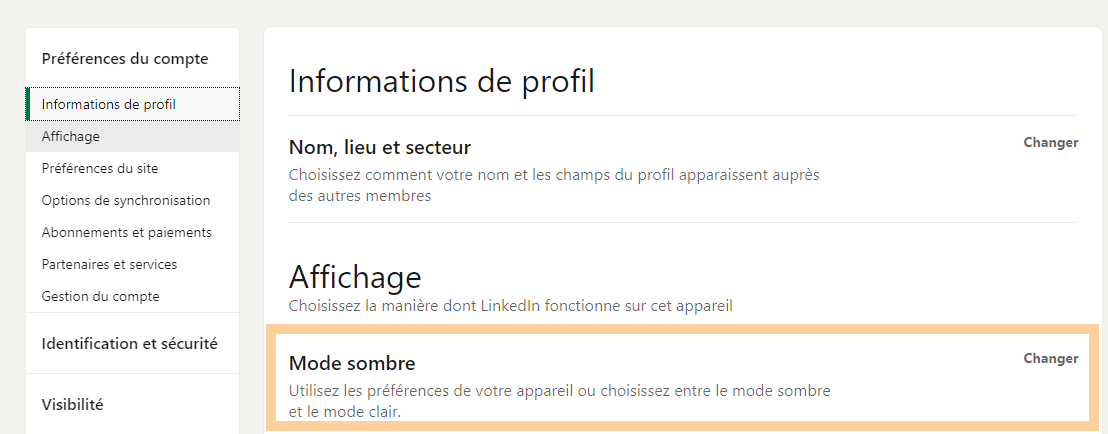
- Select the “Account preferences” section, then “Dark mode”.
Do you want to transform your LinkedIn ™ profile to boost your visibility? Master the inner workings of LinkedIn ™ by signing up for Proinfluent’s complimentary LinkedIn ™ training now!
How to activate LinkedIn ™ dark mode on iOS (Apple™)?
On a mobile or tablet running the iOS operating system, here’s how to activate dark mode on LinkedIn™:

- From your LinkedIn ™ application, log in to your account (account);
- Click on your profile picture, at the top left of the screen (screen);
- In the sidebar that appears, select “Preferences”;
- Go to the “Account preferences” section;
- In the menu, select “Dark mode”;
- Browsing on the famous professional social network is now in dark mode!
Why can’t I enable dark mode on my LinkedIn ™ profile?
LinkedIn™ dark mode is in the process of being rolled out, which is why this option is not yet available to everyone. But rest assured, the problem does not come from your account, your mobile or your computer (desktop)!
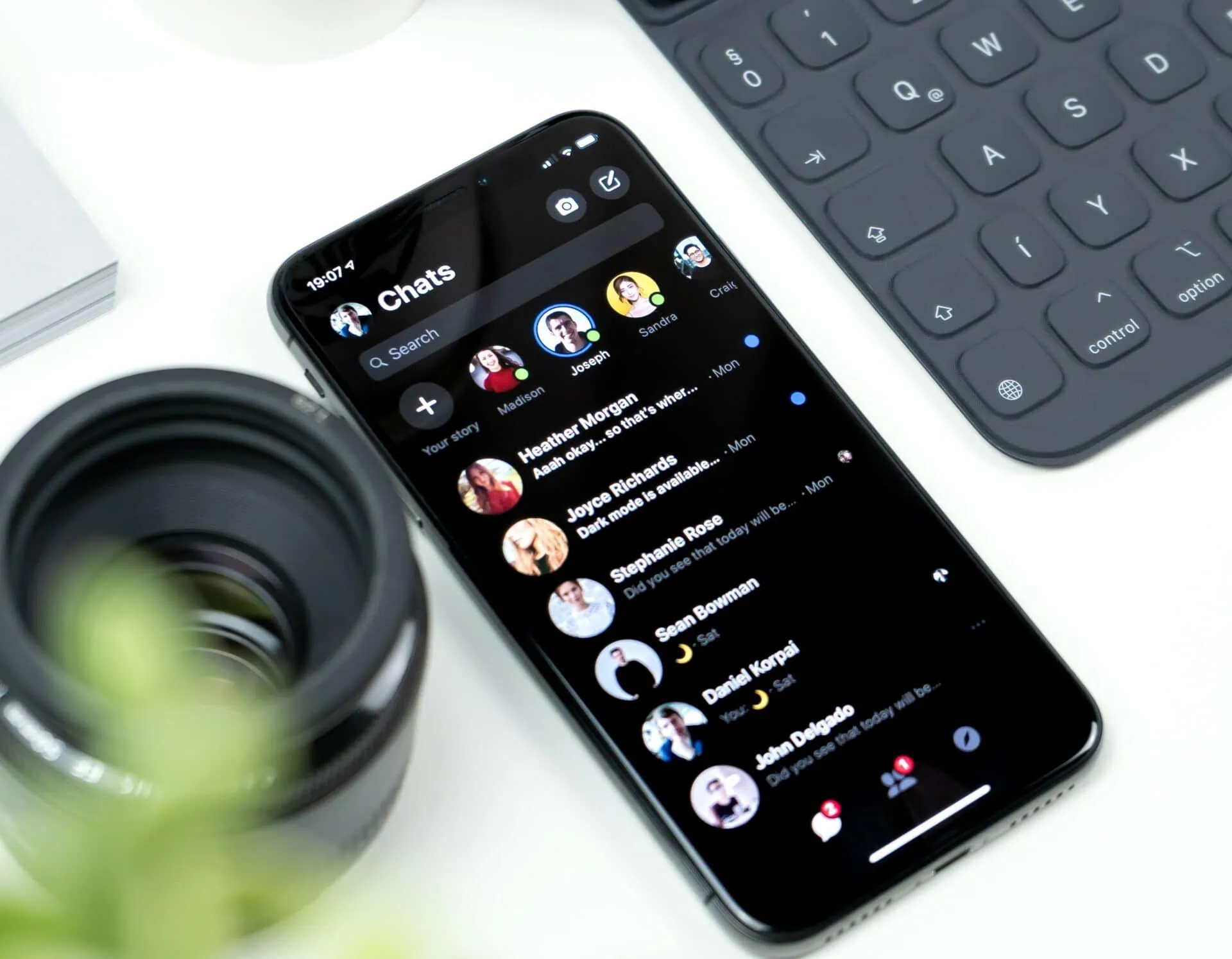
In reality, if you don’t have access to the social platform’s dark mode yet, it’s only a small bug. Depending on your location in the world, the deployment of this option takes more or less time… It is also possible that the option is available on desktop and not on mobile and vice versa.
Even if the dark mode display is not yet available on your device, the dark mode can be activated directly through your mobile or pc. Directions display settings, then select dark mode.
LinkedIn ™ dark mode to conclude
- Turning on dark mode on LinkedIn™ helps fight eye strain and save battery.
- To put on dark mode, simply log into your account and then go to your profile. Then click on “Preferences and privacy” then, “Account preferences”. You just have to select the dark mode and you’re done!
- LinkedIn™ is in full deployment of dark mode, which explains why some users do not yet have access to this feature.
LinkedIn™ dark mode to summarize in 4 questions
How do you activate LinkedIn™ dark mode on desktop?
On pc (desktop), here is how to activate LinkedIn ™ dark mode:
- From your account, click on your profile picture, top right in the menu;
- Select “Preferences & Privacy”, then “Account Preferences”;
- Go to “Dark Mode”;
- There you go, you are now browsing in dark mode on the professional social platform!
How do I enable LinkedIn™ dark mode on mobile?
From your mobile, go to your LinkedIn ™ app then:
- Click on your profile picture, top left;
- In the sidebar, select “Preferences” then, “Account preferences”;
- Go to “Dark Mode” and voila!
Why activate dark mode?
Dark mode is generally appreciated, as it offers more comfortable use and internet browsing. Indeed, in light mode, you are surely dazzled or embarrassed to read content, especially at night or in a dark place. Dark mode offers an inverted color scheme: instead of being white, your screen is therefore mostly black with data and text written in white.
Dark mode also saves battery on your device, around 30%!
How to activate dark mode on an app?
To put an app in black or activate dark mode, go to its settings. It depends on the app and medium you are using as they all have multiple options and services. However, enabling dark mode is often found in the “Display” section.
Source: Toutsurlavision